
See exactly what you get
Every feature below is a real part of the SquidTrade panel in MT5. Your broker, your money, your control.
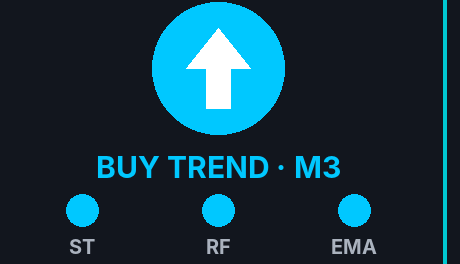
Trend at a glance
Supertrend, Range Filter and EMA 50/200 on the 3-minute chart. All blue = up, all red = down.
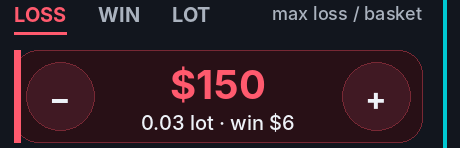
Risk in dollars
Type how much one basket may lose (or win). The bot picks the lot sizes and shows them.
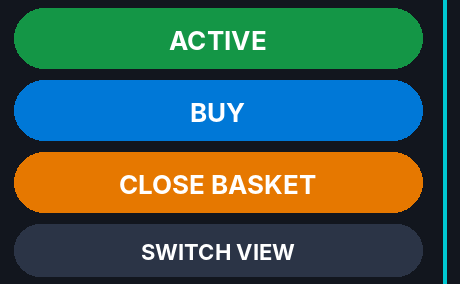
One-click control
ACTIVE, BUY / SELL and CLOSE BASKET right on the chart.

Up to 3 levels
Adds bigger trades on pullbacks and closes them together just past their average.
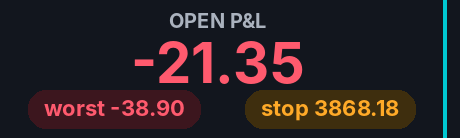
Automatic stop
When the last level opens, a stop goes on the broker’s server, even if MT5 closes.
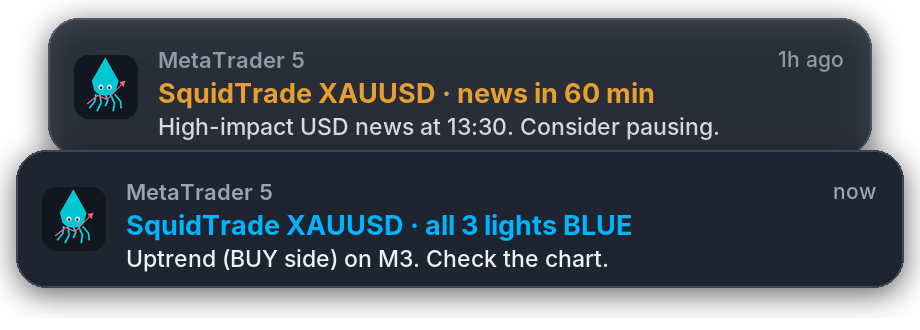
Alerts on your phone
Pings your phone and computer when all 3 trend lights line up, and an hour before high-impact USD news. No need to watch the chart all day.
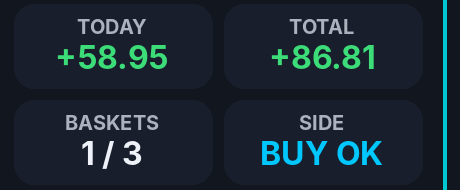
Profit tracking
Open P&L, worst point, today’s and total profit, plus a log of every action.
Pauses itself
After 3 baskets it switches off and asks you to check the trend again.

Two panel views
A column, or this strip across the top with one click. Adapts from big monitors to tiled charts.
Inside the MT5 terminal
The panel as it looks in MT5. Click any picture to enlarge it.